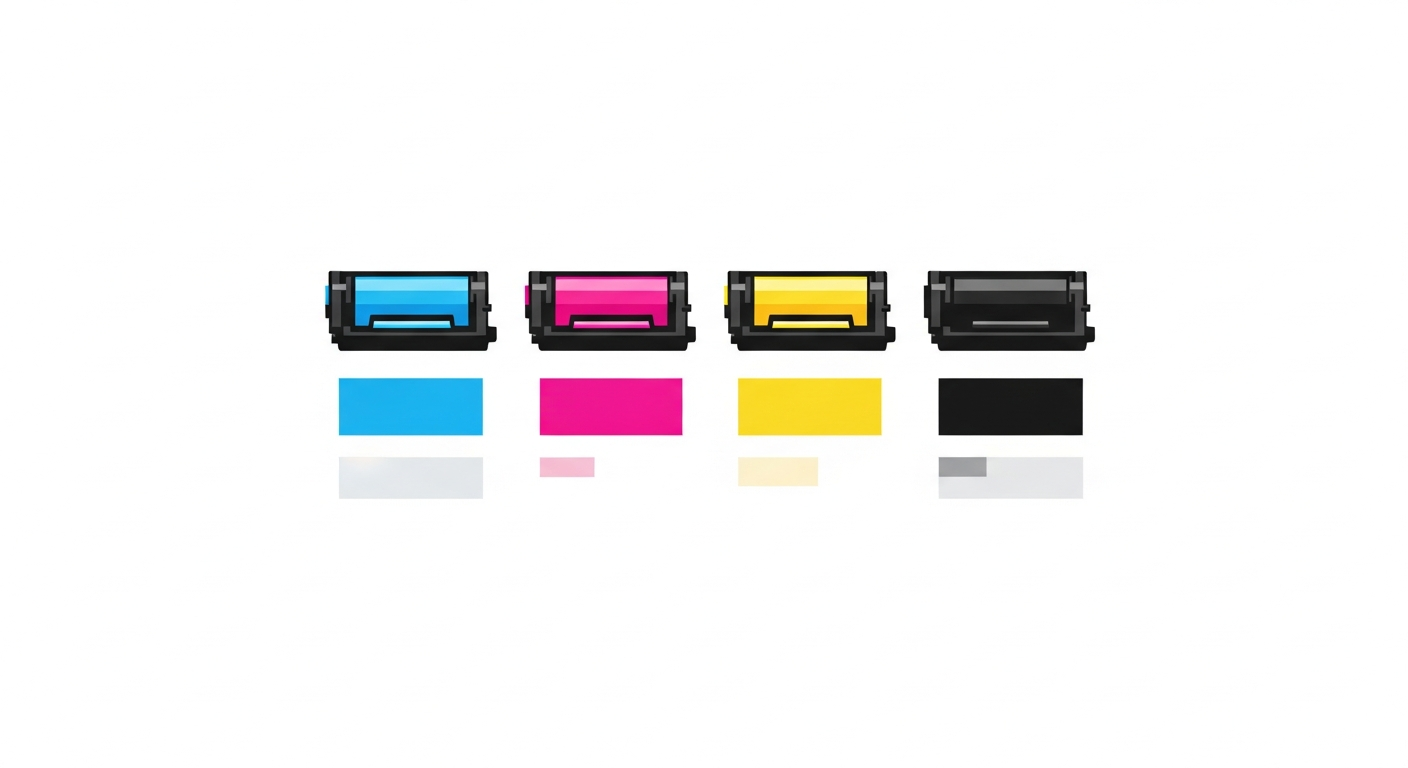
If you own a color copier, you probably think of "color toner" as a single cost. You buy a set of four cartridges — Cyan, Magenta, Yellow, Black — and when one runs out, you replace it. At the end of the month, you add up what you spent on toner and divide by your total pages. Simple enough, right?
This approach gives you a number. But that number is wrong. And if you're using it to price color print jobs, you're either overcharging on some jobs and losing customers, or undercharging on others and losing money.
The Problem with Averaging All Four Colors
Here's a scenario every color copier owner has experienced. You installed a full set of CMYK toners at the same time. Three months later:
- Yellow is empty (replaced at 8,000 color pages)
- Magenta is at 30% (will last another 3,000 pages)
- Cyan is at 45% (will last another 5,000 pages)
- Black is at 60% (will last another 8,000 pages)
Each color ran out at a completely different rate. This isn't a defect — it's physics. The content you print determines how much of each color is used. A business printing marketing materials with warm-toned images will burn through Yellow and Magenta much faster than Cyan. A shop printing architectural drawings with blue overlays will consume Cyan fastest.
If you average all four toner costs together and divide by total pages, you get a single "color cost per page." But this number doesn't reflect reality for any individual color. It overestimates the cost of colors you use less and underestimates the cost of colors you use more.
Why Each Color Has Its Own Lifecycle
A "lifecycle" in cost tracking means the period from when you install a consumable to when you replace it. For toner, it's the journey from new cartridge to empty cartridge, measured in pages printed.
On a B&W machine, there's one toner lifecycle at a time. Simple. On a color machine, there are four simultaneous but independent lifecycles — one for each color. Each lifecycle:
- Starts at a different meter reading (because you don't replace all four at the same time)
- Ends at a different meter reading (because each color runs out at a different page count)
- May use a different brand or price of cartridge (you might use original Black but compatible Cyan)
- Yields a different number of pages (based on your actual color usage patterns)
A Real Example from a Print Shop in Mumbai
A shop running a Konica Minolta C226 tracked their CMYK toner changes over 6 months. Here's what the meter readings showed:
- Cyan (TN-221C, ₹7,200): Installed at color meter 42,000, replaced at 63,500. Yield: 21,500 pages. Cost per page: ₹0.335
- Magenta (TN-221M, ₹7,200): Installed at 42,000, replaced at 57,200. Yield: 15,200 pages. Cost per page: ₹0.474
- Yellow (TN-221Y, ₹7,200): Installed at 42,000, replaced at 53,800. Yield: 11,800 pages. Cost per page: ₹0.610
- Black (TN-221K, ₹5,800): Installed at 42,000, replaced at 70,000. Yield: 28,000 pages. Cost per page: ₹0.207
The per-page cost ranges from ₹0.207 (Black) to ₹0.610 (Yellow) — a 3x difference between colors. If this shop had averaged all four toners into a single cost, they'd get approximately ₹0.36 per page for "color toner." That number is too high for Cyan and Black, and dangerously too low for Yellow and Magenta.
Why Uneven Depletion Is Normal
Several factors cause colors to deplete at different rates:
Content Mix
This is the biggest factor. Skin tones in photos use heavy Magenta and Yellow. Sky and water use Cyan. Dark backgrounds use large amounts of all colors. Text and line art primarily use Black. Every shop has a unique content mix that determines their color consumption pattern.
Color Calibration and Registration
Color machines periodically print internal test patterns for calibration and color registration. These patterns consume all four toners, but the amounts aren't equal. Some machines use more Yellow for calibration because the human eye is least sensitive to Yellow shifts.
Black Replacement Mode
Most color machines can produce black by mixing C, M, and Y together (composite black) or by using the Black toner alone (pure black). Budget machines and some default settings use composite black for certain elements, consuming color toner for what looks like B&W printing. Check your machine settings — if composite black is enabled, your CMY cartridges are being used even for "black" areas in color documents.
Toner Quality Variation
If you use different brands for different colors (for example, original Black but compatible CMY), the yield will naturally differ because of different toner formulations, particle sizes, and densities.
How to Calculate Per-Color Cost Correctly
The formula for each color is independent:
- When you install a new toner cartridge for a specific color, record the machine's color page counter (not the total counter — you need the counter that tracks only color-printed pages)
- When that specific color runs out and you replace it, record the color page counter again
- Yield for that color = Closing color counter − Opening color counter
- Cost per color page for that toner = Cartridge price ÷ Yield
Important detail: Use the color page counter, not the total page counter. B&W pages printed on a color machine don't consume CMY toner (unless composite black is enabled). Black toner is consumed on both B&W and color pages, so for the Black cartridge, use the total counter (B&W + color).
Your total color toner cost per page is then: Cyan/page + Magenta/page + Yellow/page + Black/page (for the color page share).
Why This Matters for Pricing Color Jobs
Many shops charge a flat rate for color printing — say ₹7 or ₹10 per A4 color page. But if your actual color toner cost varies from ₹1.20 to ₹2.50 per page depending on the content, a flat rate means you're wildly overprofiting on light-color jobs and losing money on heavy-color jobs.
With per-color tracking, you can:
- Set accurate base prices for color printing based on your actual average color cost
- Identify high-cost jobs — if a client consistently prints Yellow-heavy content, your Yellow toner depletes faster, and you can adjust pricing accordingly
- Compare toner brands per color — maybe compatible Cyan works great (good yield, no quality issues) but compatible Yellow is terrible (low yield, color shift). You can mix and match strategically.
- Predict replacement timing — knowing each color's consumption rate lets you order cartridges before they run out, avoiding emergency purchases at higher prices
- Spot machine problems — if one color suddenly starts depleting 40% faster than usual, it could indicate a leak, a defective cartridge, or a drum issue for that color unit. Early detection saves money on repairs.
The Black Toner Complication
Black toner on a color machine deserves special attention. Unlike CMY, which are only used for color pages, Black is used on every page — both B&W-only pages and color pages. This means:
- Black toner lifecycle is counted against the total page counter (B&W + color)
- CMY toner lifecycles are counted against the color page counter only
- The Black cartridge often has a different (usually higher) rated yield than the CMY cartridges
When calculating your total cost per color page, remember that the Black cost per page should be based on total pages (since it's consumed on all pages), while CMY cost per page is based only on color pages. This is a subtle but important distinction that many shops get wrong.
Setting Up Independent Tracking
To track each color independently, you need to record the following every time you change any single toner cartridge:
- Which color you're replacing (C, M, Y, or K)
- The cost of the new cartridge
- The brand of the cartridge
- The machine's color page counter (for CMY) or total counter (for K)
- The A4 and A3 counter readings (to convert A3 pages to equivalent A4)
This sounds like a lot of data, but it takes less than 2 minutes per toner change. And the insights it provides are worth hours of guesswork.
When you treat four different consumables as one average, you get a number that's wrong for all four. Track each color independently, and your cost data finally tells the truth.
PrintCostCalculator handles CMYK tracking automatically. When you log a toner change, select the color — the system maintains independent lifecycles for each, calculates per-color cost per page, and shows you exactly where your money is going. Try it free for 30 days.