When print shop owners calculate their cost per page, most of them consider exactly one item: toner. Some might factor in paper cost. But almost nobody tracks the cost of spare parts — and this blind spot can mean the difference between a profitable shop and one that's slowly bleeding money.
Spare parts are not optional accessories. They are consumable components that wear out at predictable intervals and must be replaced for the machine to keep printing. They have a real cost per page, just like toner. And on many machines, the total spare parts cost per page is nearly as high as the toner cost itself.
The Five Major Spare Parts
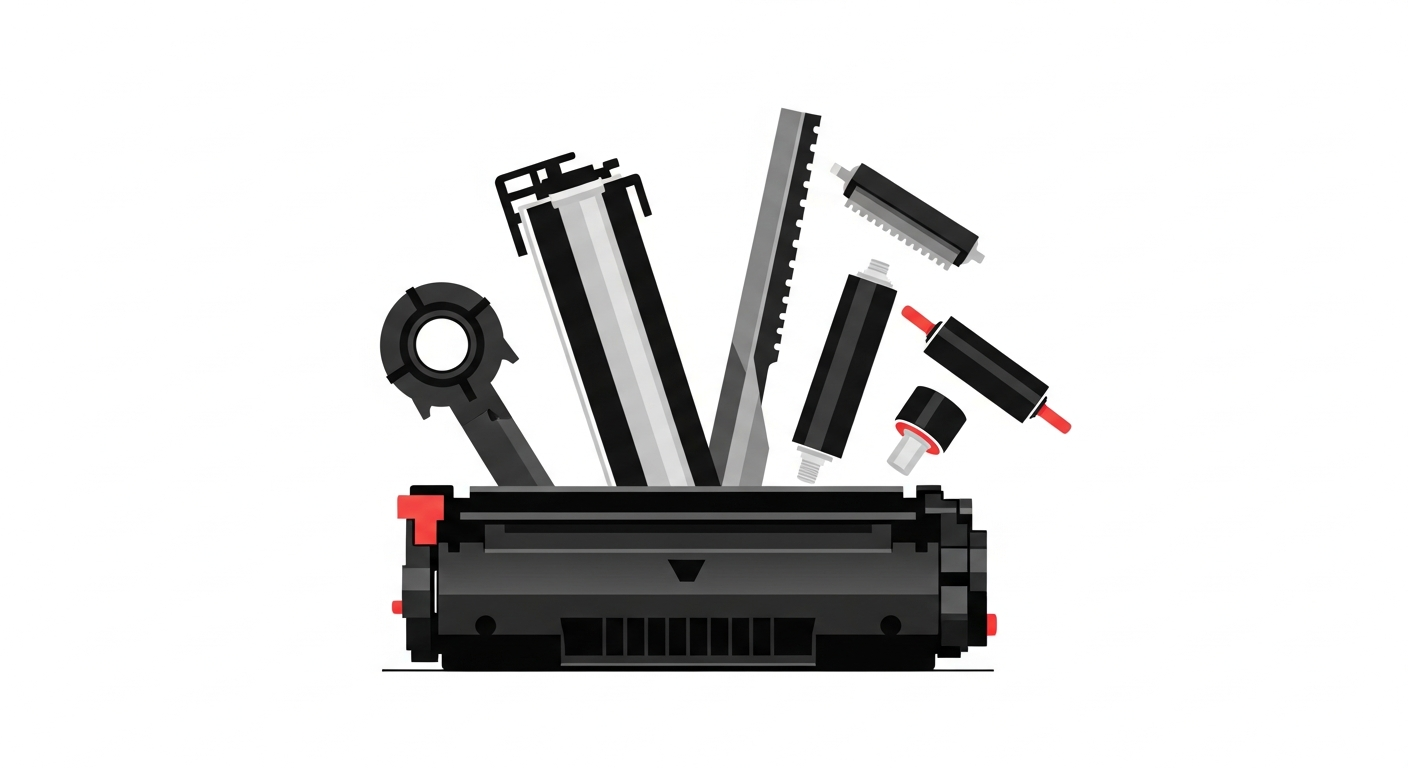
Every laser printer and copier has a set of consumable parts that degrade with use. Here are the five most significant ones, what they do, and what they cost in the Indian market:
1. Drum Unit (OPC Drum)
The drum is the heart of the printing process. It's a cylindrical roller coated with a photosensitive material that receives the laser image and transfers toner to the paper. Every single page that passes through the machine touches the drum surface, gradually wearing it down.
- Typical lifespan: 20,000–60,000 pages (varies by machine class)
- Cost in India: ₹1,500–4,000 for desktop printers; ₹3,500–12,000 for MFP copiers
- Signs of wear: Vertical black lines, grey smudges, faded areas, repeated marks at regular intervals on the page
Example: A Canon iR 2006 drum unit costs approximately ₹5,500 (original) and lasts around 30,000 pages. That's ₹0.18 per page just for the drum — more than half the toner cost on this machine.
2. Cleaning Blade (Wiper Blade / Doctor Blade)
The cleaning blade scrapes excess toner off the drum after each print cycle. It's a thin polyurethane strip that presses against the drum surface. Over time, the edge wears down, chips, or deforms, causing toner to leak past it and create streaks or background shading on prints.
- Typical lifespan: 20,000–50,000 pages
- Cost in India: ₹200–600 for desktop printers; ₹500–2,000 for MFP copiers
- Signs of wear: Background toner dust on pages, vertical streaks, toner spilling inside the machine
Blades are inexpensive individually, but they add up. A shop replacing blades every 25,000 pages at ₹800 each is spending ₹0.03 per page. Across 5 machines doing 10,000 pages each per month, that's ₹1,500 per month you might not be tracking.
3. PCR Roller (Primary Charge Roller)
The PCR roller applies a uniform electrical charge to the drum surface before the laser writes the image. When it degrades, the charge becomes uneven, leading to light or dark bands across the page, especially noticeable on large solid-fill areas.
- Typical lifespan: 25,000–60,000 pages
- Cost in India: ₹250–800 for desktop printers; ₹800–3,000 for MFP copiers
- Signs of wear: Horizontal banding, uneven print density, grey background especially in humid conditions
PCR rollers are often overlooked because their failure mode is subtle. Many shops blame "bad toner" for issues that are actually a worn PCR roller, leading them to waste toner by replacing cartridges prematurely.
4. Fuser Unit (Fuser Assembly)
The fuser uses heat and pressure to permanently bond toner to the paper. It consists of a heating roller (or film) and a pressure roller. This is the most expensive consumable part in most machines, and its replacement interval is the longest.
- Typical lifespan: 50,000–200,000 pages
- Cost in India: ₹3,000–8,000 for desktop printers; ₹6,000–25,000 for MFP copiers
- Signs of wear: Toner not fusing to paper (smears when rubbed), paper jams in the fuser area, wrinkled output, ghost images
Example: A Ricoh MP 2014AD fuser unit costs approximately ₹7,500 and lasts about 100,000 pages. That's ₹0.075 per page. Seems small, but over 100,000 pages, it's ₹7,500 you need to account for. On a machine producing 10,000 pages a month, you'll need to replace the fuser once a year.
5. Developer Unit
The developer unit mixes toner with carrier beads and delivers the mixture to the drum. Not all machines have a user-replaceable developer (many desktop printers integrate it into the toner cartridge), but on larger MFPs and copiers, it's a separate consumable.
- Typical lifespan: 60,000–200,000 pages
- Cost in India: ₹3,000–15,000 for MFP copiers
- Signs of wear: Gradually fading print density even with new toner, grainy or noisy prints, uneven toner distribution
Developer replacement is infrequent but expensive. A Konica Minolta bizhub 226 developer unit costs around ₹5,500 and lasts roughly 120,000 pages — about ₹0.046 per page.
Adding It All Up: A Real Machine Example
Let's calculate the total spare parts cost per page for a common Indian print shop machine: the Ricoh MP 2014AD (B&W copier, one of the most popular models in India).
- Toner (compatible): ₹1,100 / 6,000 pages = ₹0.183 per page
- Drum: ₹3,200 / 30,000 pages = ₹0.107 per page
- Cleaning blade: ₹600 / 25,000 pages = ₹0.024 per page
- PCR roller: ₹800 / 30,000 pages = ₹0.027 per page
- Fuser: ₹7,500 / 100,000 pages = ₹0.075 per page
- Developer: ₹4,500 / 80,000 pages = ₹0.056 per page
Total spare parts cost: ₹0.289 per page
Toner cost: ₹0.183 per page
The spare parts cost more than the toner itself. Your total consumable cost is ₹0.472 per page, not the ₹0.183 you thought. If you're pricing print jobs based on toner cost alone, you're undercharging by more than 60%.
For Color Machines, Multiply by Four
On a color copier, the drum, blade, PCR, and developer exist for each of the four colors (C, M, Y, K). The fuser is shared. So if a B&W machine has ₹0.289 in parts cost, a comparable color machine might have:
- 4 drums: ₹0.107 × 4 = ₹0.428 per page
- 4 blades: ₹0.024 × 4 = ₹0.096 per page
- 4 PCR rollers: ₹0.027 × 4 = ₹0.108 per page
- 1 fuser: ₹0.075 per page
- 4 developers: ₹0.056 × 4 = ₹0.224 per page
Total color machine spare parts: ₹0.931 per page. Nearly a full rupee per page, just in parts — before toner. This is why color printing is genuinely expensive and why shops that don't track parts costs are most vulnerable to losses on color work.
How to Track Spare Parts with Meter Readings
The tracking process for spare parts is identical to toner tracking:
- When you install a new part, record the machine's A4 and A3 meter readings. This is the opening reading for that part.
- When you replace the part, record the meter readings again. This is the closing reading.
- Calculate yield: Equivalent A4 pages = (Closing A4 − Opening A4) + [(Closing A3 − Opening A3) × 2]
- Calculate cost per page: Part cost ÷ Equivalent A4 pages
Over time, you'll build a history that shows you the actual lifespan of each part on each machine. This data is far more valuable than the manufacturer's rated lifespan, because it reflects your specific usage patterns, paper quality, toner quality, and environmental conditions.
Why Manufacturer Lifespans Are Often Wrong
Manufacturers rate spare part lifespans under ideal conditions: 5% page coverage, standard paper, controlled humidity, original toner. In the real world of Indian print shops:
- Higher coverage means more toner passes through the drum and blade, wearing them faster
- Recycled or low-quality paper generates more paper dust, which clogs rollers and degrades the fuser
- Compatible toner can have abrasive particles that accelerate drum and blade wear
- High humidity (especially during monsoon season) causes toner to clump and PCR rollers to degrade faster
- Continuous heavy use generates sustained heat that wears fuser components faster than intermittent printing
It's common for real-world part lifespans to be 30–50% shorter than rated. A drum rated at 30,000 pages might only last 18,000–22,000 in a busy Indian shop. Only meter reading data will tell you the truth.
The Business Impact
Consider a mid-size print shop with 5 machines, each producing 15,000 pages per month. If the actual spare parts cost is ₹0.25 per page but the owner is not tracking it:
- Untracked cost per month: 75,000 pages × ₹0.25 = ₹18,750
- Untracked cost per year: ₹2,25,000
That's over two lakh rupees per year in costs that are invisible to the business. These costs still get paid — they just come out of what the owner thinks is profit.
If you're only tracking toner, you're only seeing half your costs. The other half is hiding in spare parts — and it's eating your margins.
PrintCostCalculator tracks spare parts alongside toner and service charges. Enter the meter reading when you replace any part, and the system calculates the per-page cost automatically. See your true total cost per page — toner, parts, and service combined — for every machine. Try it free for 30 days.