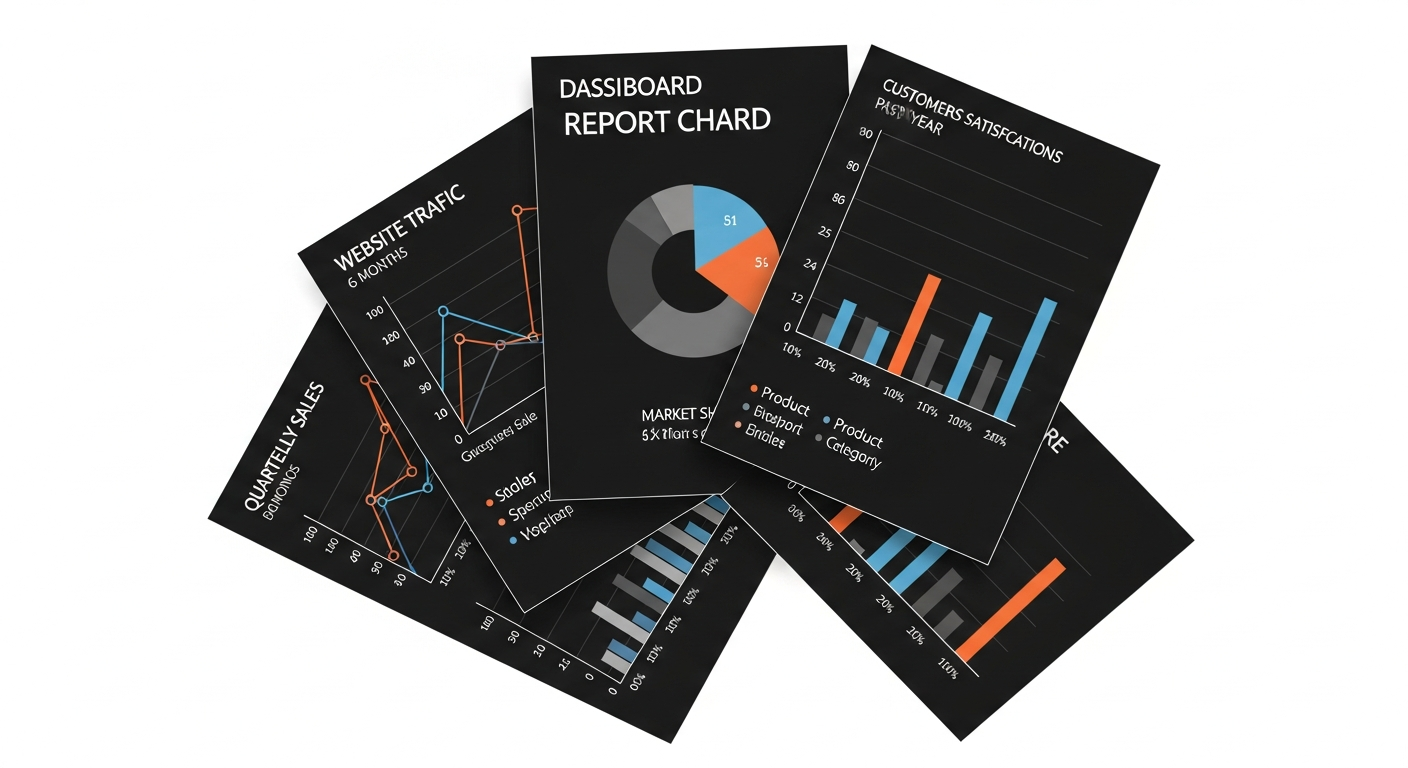
Running a print shop without reviewing reports is like driving at night with your headlights off. You might stay on the road for a while, but sooner or later you'll hit something. The problem is that most shop owners don't know which reports actually matter. They either track nothing at all, or they drown in spreadsheets that don't lead to any real decisions.
After working with hundreds of print shop owners across India, we've identified five reports that separate profitable shops from struggling ones. Review these five numbers every month, and you'll catch problems before they become expensive.
Report 1: Cost Per Page Trends
This is the single most important number in your business. Your cost per page is the total of toner, spare parts, and service charges divided by the total prints produced. But the number itself isn't what matters most — the trend is what you should watch.
A healthy B&W machine in the Indian market typically runs between ₹0.40 and ₹0.70 per page, all costs included. A color machine sits between ₹2.50 and ₹5.00. If your cost per page has been climbing over the past three months, something is wrong. Either your toner yield is dropping (which could signal a print quality issue), your spare parts are wearing out faster than expected, or your service frequency has increased.
What to look for: Plot your cost per page for the last 6 months. A steady line is good. A gradual upward slope means it's time to investigate. A sudden spike means something broke or changed — a bad batch of toner, an unexpected part replacement, or a service call you didn't anticipate.
Action to take: If cost per page has risen more than 10% over three months, drill into the three sub-components (toner, parts, service) to find which one is driving the increase. Often it's a single expensive part replacement that skews the average. Other times, it's a slow toner yield decline that indicates the drum or developer needs attention.
Report 2: Toner Yield Comparison
This report answers a deceptively simple question: how many pages are you actually getting from each toner cartridge? Not the manufacturer's rated yield — your real yield based on actual meter readings.
Consider this scenario. You buy a Ricoh MP 2014 toner for ₹2,800, and the box says it yields 12,000 pages. But when you track opening and closing meter readings, you find you're only getting 8,500 pages. That means your actual toner cost per page is ₹0.33, not the ₹0.23 you budgeted. Across 12 toner changes a year, that's ₹5,400 in hidden cost.
Now compare that against a compatible toner that costs ₹1,800 but yields only 7,000 pages. The actual cost per page is ₹0.26 — cheaper despite the lower yield. Without tracking real yield, you'd never know.
What to look for: Compare the last 3-4 toner changes on each machine. Are yields consistent? If one toner gave 9,000 pages and the next only gave 6,000, you might have a quality issue or a bad cartridge. Also compare yields across different toner brands if you've experimented.
Action to take: Build a simple comparison — brand, price paid, actual yield, cost per page. After 6 months of data, you'll know exactly which toner gives the best value for each machine. Share this data with your toner vendor during price negotiations.
Report 3: Machine-Wise Expense Breakdown
If you have more than one machine, this report is critical. It answers: which machine is eating your profits?
Most print shops in India run 2 to 8 machines. Often one or two machines consume a disproportionate share of expenses. A 7-year-old Kyocera that still "works fine" might be costing you ₹15,000 per month in parts and service, while a newer Ricoh does the same volume for ₹4,000. Without a machine-wise breakdown, you'd never spot this.
This report should show, for each machine: total toner cost for the month, total spare parts cost, total service charges, total prints produced, and the resulting cost per page. Sort by cost per page, highest first. The expensive machines float to the top.
What to look for: Any machine where cost per page is more than 30% higher than your fleet average needs attention. Also watch for machines with low print volume but high fixed costs — they drag your average up.
Action to take: For expensive machines, evaluate whether to invest in a major overhaul, redistribute print volume to cheaper machines, or plan a replacement. Sometimes simply routing high-volume jobs to your most efficient machine saves ₹5,000-10,000 per month.
Report 4: Spare Parts Cost Allocation
Spare parts are the silent killer of print shop profitability. A drum unit at ₹4,500, a fuser at ₹8,000, a transfer belt at ₹6,500 — these costs add up fast, but because they happen irregularly, most owners don't track them against print volume.
The spare parts cost allocation report spreads each part's cost across the prints it served. If you replaced a drum at meter reading 1,20,000 and it was installed at reading 80,000, that drum served 40,000 prints. A ₹4,500 drum divided by 40,000 prints adds ₹0.11 per page to your cost.
When you add up all active spare parts — drum, blade, PCR, fuser, developer — the total spare parts cost per page on a typical mid-range copier runs between ₹0.08 and ₹0.20. On older or heavily used machines, it can exceed ₹0.30.
What to look for: Which parts are you replacing most frequently? Is any part consistently failing before its expected lifespan? A blade that should last 50,000 prints but needs replacement at 30,000 could indicate a toner quality problem or incorrect installation.
Action to take: Identify the top 3 spare parts by total monthly cost across your fleet. Negotiate bulk pricing with your parts supplier for those specific items. If a particular part is failing prematurely on one machine, have your engineer investigate the root cause rather than just replacing it again.
Report 5: Service Charge Analysis
Service visits are necessary, but they should follow a predictable pattern. This report tracks how much you're spending on service calls per machine per month, and what you're getting for that money.
In the Indian market, service models vary widely. Some shops pay per visit (₹500-1,500 per call), some have annual maintenance contracts (₹15,000-40,000 per year per machine), and some pay per page to an AMC provider. Regardless of your model, you need to track service cost per print.
A well-maintained machine should need 1-2 service visits per month. If a machine is requiring weekly attention, the service cost per page spikes and you need to make a decision: major repair, or replacement.
What to look for: Service calls per machine per month, trending over time. Also track the reason for each call — is it routine maintenance, paper jams, print quality issues, or breakdowns? Recurring issues point to underlying problems that a simple service visit won't fix.
Action to take: If service costs on any machine exceed ₹0.15 per page, it's time for a serious conversation about that machine's future. Calculate the break-even point: would investing ₹25,000 in a major overhaul bring service costs down enough to justify the expense over the next 12 months?
Putting It All Together
These five reports take less than 30 minutes to review if your data is organized. The problem is that most shops track this information in notebooks, loose papers, or not at all. By the time you realize a machine is bleeding money, you've already lost lakhs.
The best practice is to set a fixed date each month — say the 1st or the 15th — and review all five reports together. Look for anomalies, compare against previous months, and make one or two specific decisions based on what you find.
The shops that review their numbers monthly make better decisions than the shops that wait until something breaks. Data turns reactive owners into proactive ones.
PrintCostCalculator generates all five of these reports automatically from the meter readings you enter. No spreadsheets, no manual calculations. Just enter your readings when you change toner, replace parts, or get a service visit — and the dashboard shows you exactly where your money is going. Start your free 30-day trial and run your first monthly review with real data.