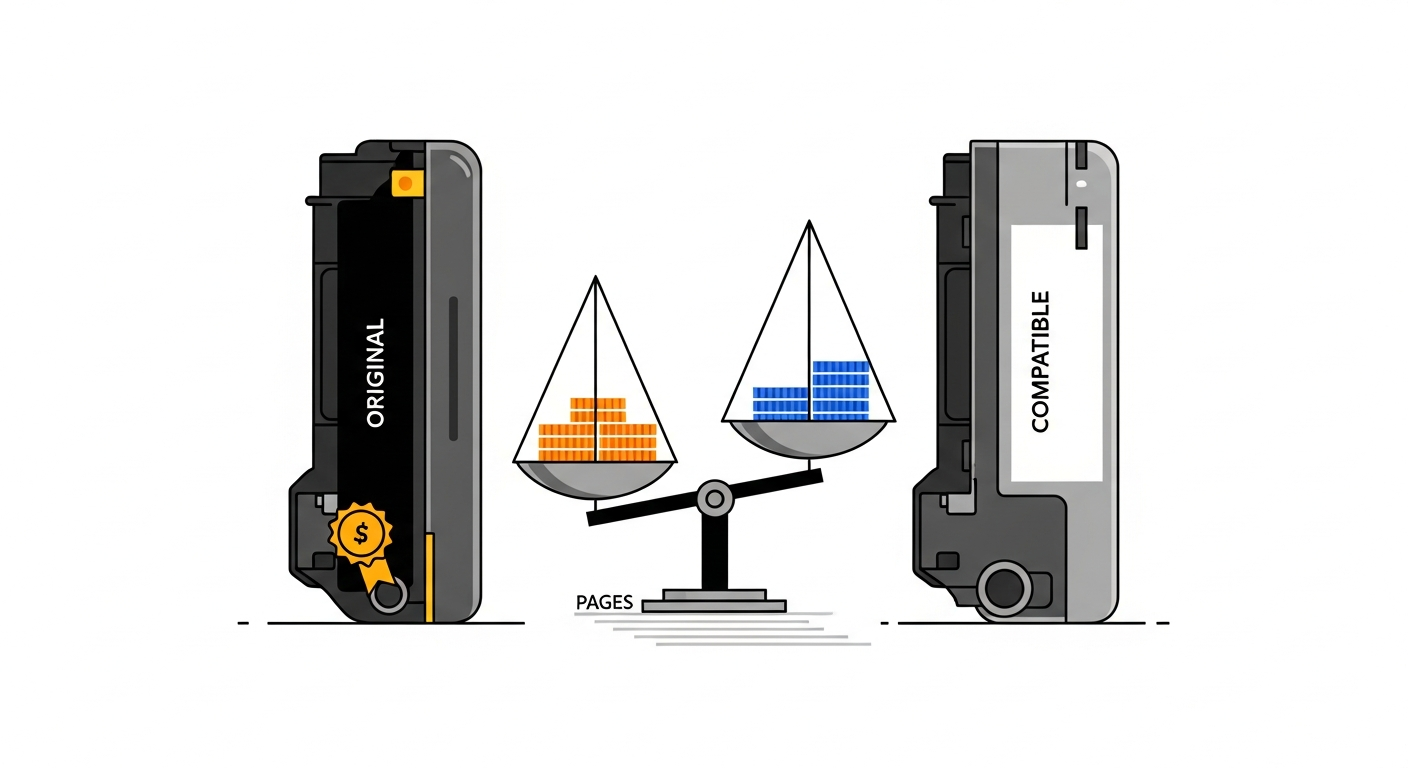
The original-vs-compatible toner debate has been raging in every Indian print shop for years. Dealers push originals for higher margins. Compatible suppliers promise identical quality at half the price. But what does the data actually say? We looked at real meter reading records from print shops across India to find out.
The Price Gap Is Real
Let's start with what everyone already knows: compatible toner is significantly cheaper. Here are typical street prices in the Indian market for some of the most popular machines:
- Ricoh SP 210 (B&W): Original ₹2,800–3,200 vs Compatible ₹800–1,200
- HP LaserJet 1020/1136 (88A): Original ₹4,500–5,000 vs Compatible ₹600–900
- Canon iR 2006 drum unit: Original ₹6,500–7,500 vs Compatible ₹2,000–2,800
- Kyocera TK-1178: Original ₹3,800–4,200 vs Compatible ₹1,000–1,400
- Konica Minolta TN-116: Original ₹1,200–1,500 vs Compatible ₹450–700
The price difference ranges from 50% to 75% cheaper for compatible. On paper, choosing compatible seems like a no-brainer. But price per cartridge is the wrong metric. What matters is cost per page — and that's where things get complicated.
What Meter Readings Actually Reveal About Yield
When you track toner changes against meter readings, a consistent pattern emerges: compatible toner yields fewer pages than the original. The question is how many fewer.
Here's data from a print shop in Pune running two identical Ricoh MP 2014AD machines side by side — one on original toner, one on compatible:
- Original Ricoh toner (₹3,100): Average yield across 6 cartridges: 9,200 equivalent A4 pages. Cost per page: ₹0.34
- Compatible toner (₹1,100): Average yield across 8 cartridges: 5,800 equivalent A4 pages. Cost per page: ₹0.19
The compatible yielded 37% fewer pages than the original. But because it cost 65% less, the cost per page was still 44% lower. This is the typical pattern we see in B&W machines: compatible wins on cost per page despite lower yield.
The Color Machine Story Is Different
On color machines, the calculus shifts. Consider a shop in Delhi running a Konica Minolta C226 on compatible CMYK toners:
- Original Cyan TN-321C (₹8,500): Yield: 25,000 pages. Cost per page: ₹0.34
- Compatible Cyan (₹3,200): Yield: 12,000 pages. Cost per page: ₹0.27
The savings per page are narrower on color — about 20% instead of 40%+. And this is before considering the hidden costs that compatible color toner can bring.
The Hidden Costs Nobody Talks About
Meter readings track toner yield. But they also help you spot damage patterns that correlate with toner choice. Here are the real hidden costs of compatible toner that many shops discover too late:
1. Drum Damage
Low-quality compatible toner often has larger or irregular particle sizes. This causes accelerated drum wear. A drum that lasts 30,000 pages with original toner might only last 18,000–22,000 pages with certain compatible brands. If your drum costs ₹3,500, that's an extra ₹0.06–0.10 per page in drum replacement costs that doesn't show up in your toner math.
2. Blade and PCR Roller Wear
The cleaning blade and PCR roller work directly with the toner. Poorly formulated compatible toner can cause blade chipping or excess buildup on the PCR. Replacing these parts every 15,000 pages instead of 25,000 adds another ₹0.03–0.05 per page.
3. Fuser Contamination
Compatible toner with incorrect melting point characteristics can leave residue on the fuser unit. Fuser replacements cost ₹4,000–12,000 depending on the machine. If your fuser fails 20,000 pages early, that's a significant cost spike.
4. Service Call Frequency
Shops using compatible toner consistently report more frequent service calls for cleaning, adjustments, and part replacements. Each service visit might cost ₹300–800. If you need two extra visits per month, that's ₹600–1,600 — or ₹0.06–0.16 per page on a machine doing 10,000 prints monthly.
When Compatible Toner Makes Sense
Despite the risks, compatible toner is the right choice in several scenarios:
- High-volume B&W printing with a reliable brand: If you've found a compatible brand that consistently delivers 60%+ of original yield on your specific machine, and you're not seeing accelerated part wear, the math works in your favor. Many shops in India run successfully on brands like Presto, Print Star, or Softex for popular HP and Ricoh B&W machines.
- Low-volume or older machines: If a machine prints fewer than 2,000 pages a month, the absolute savings from compatible toner are small, but the absolute risk from part damage is also small. For a 5-year-old machine that's approaching end of life, there's little reason to spend 3x on original toner.
- Text-only printing: When you're printing primarily text documents at 5% or less coverage, toner quality differences are least visible. Compatible works fine for bulk text printing.
When Original Is Worth Every Rupee
There are situations where original toner is the financially smart choice, even at 2–3x the price:
- Color printing for paying clients: If you're charging customers for color output, quality consistency matters. A slight color shift between compatible batches can mean reprints and lost clients. The ₹0.07 you save per page isn't worth losing a ₹5,000 print job.
- New or high-end machines: On a machine worth ₹3–8 lakh, protecting the drum, fuser, and developer assembly is critical. The spare parts cost more, the service is more expensive, and the downtime hits harder. Original toner is insurance for your investment.
- Warranty period: If your machine is under warranty, using compatible toner can void it. During the warranty period, original toner is almost always the right call.
- Photo and design work: For high-coverage printing — photos, brochures, banners — toner quality directly affects output. Compatible toner often shows banding, uneven density, or incorrect color at high coverage areas.
The Only Way to Know: Track It
Here's the truth that toner dealers and compatible suppliers both hate: the answer is different for every shop, every machine, and every use case. The only way to know whether compatible or original is cheaper for you is to track your actual costs with meter readings.
Here's what to do:
- Record the meter reading every time you change toner. Note the opening and closing A4 and A3 counters. Calculate the actual yield: Equivalent A4 pages = A4 prints + (A3 prints × 2).
- Track spare part replacement frequency. Note the meter reading when you replace drums, blades, PCR rollers, and fusers. Calculate the lifespan in pages for each part.
- Log every service visit with the meter reading and cost.
- Compare periods. Run original for 3 months, then compatible for 3 months (or use two identical machines). Compare total cost per page — including parts and service, not just toner.
A Real Example: The Full Picture
A shop in Hyderabad ran this exact experiment on a Kyocera M2040dn over 6 months. Here are their results:
3 months on original (TK-1178 at ₹3,900):
- Toner cost per page: ₹0.39
- Parts cost per page: ₹0.08 (drum lasted full period)
- Service cost per page: ₹0.03 (1 routine visit)
- Total: ₹0.50 per page
3 months on compatible (₹1,200):
- Toner cost per page: ₹0.22
- Parts cost per page: ₹0.14 (drum replaced mid-period, blade replaced once)
- Service cost per page: ₹0.08 (3 service visits for cleaning and adjustments)
- Total: ₹0.44 per page
Compatible was still cheaper — but only by ₹0.06 per page, not the ₹0.17 that the toner-only math suggested. For this shop, the hassle of more frequent service visits and part changes wasn't worth the ₹600 monthly savings on 10,000 prints.
The cheapest toner isn't the one with the lowest price tag. It's the one with the lowest total cost per page — toner, parts, and service combined.
PrintCostCalculator tracks all three cost components automatically. Enter your meter readings when you change toner, replace parts, or log a service visit, and the system calculates your true cost per page for every machine. See which toner brand actually costs less — with data, not guesses. Try it free for 30 days.