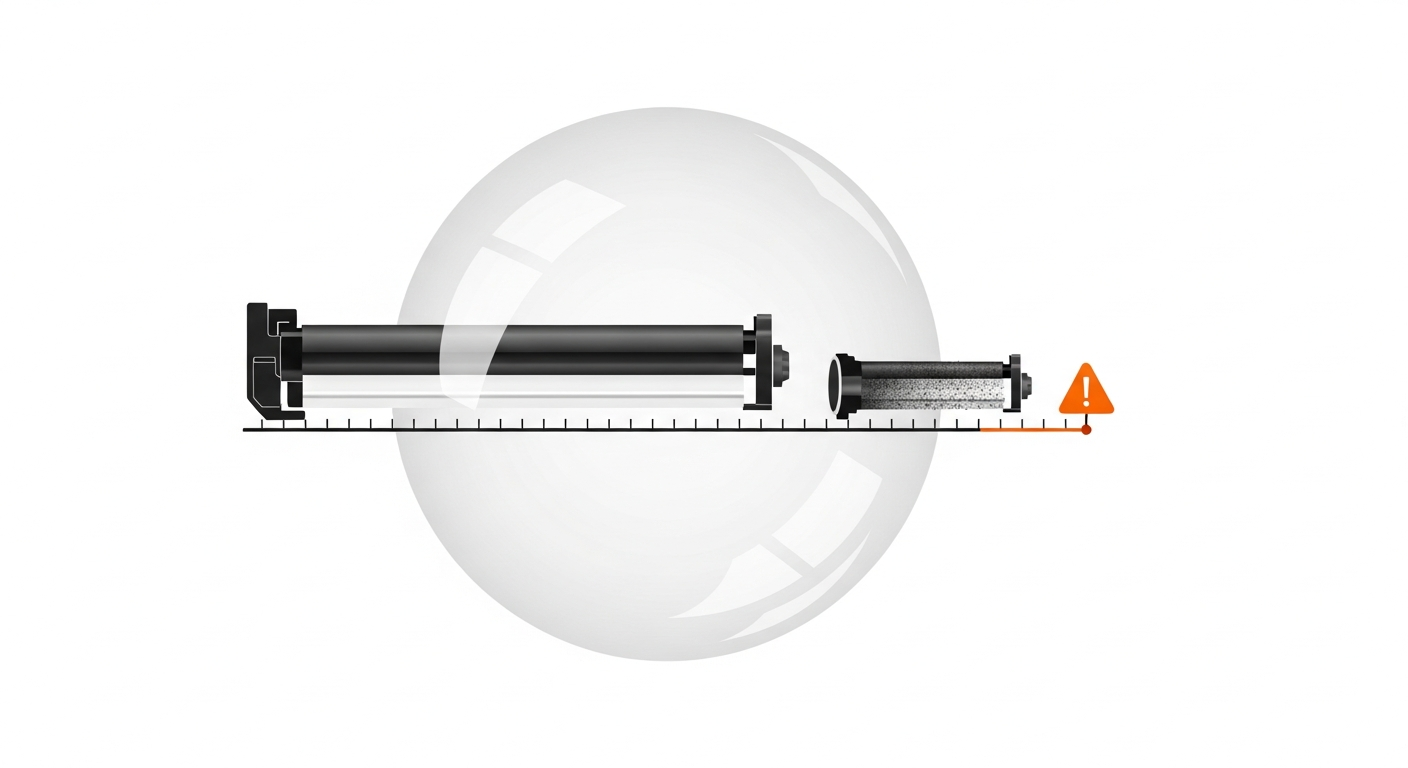
Every print shop owner has faced this dilemma: a machine starts producing faded prints or streaky pages. Is it the toner? The drum? The blade? The developer? You call your engineer, he replaces a part, charges you ₹5,000, and the problem might or might not be fixed. Two weeks later, it happens again. Another part, another bill.
This reactive approach to spare parts replacement is one of the biggest hidden costs in the print business. You either replace parts too late — after quality has already suffered and you've lost customers — or too early, throwing away parts that still had thousands of pages of life left. Both scenarios cost you money. The solution is data-driven, predictive replacement.
How Long Do Common Parts Actually Last?
Every spare part in a copier has a rated lifespan, usually expressed in number of prints. But just like toner yield, these numbers are guidelines, not guarantees. Your actual part life depends on print volume, content type, paper quality, environmental conditions, and the quality of other consumables you use (cheap toner, for instance, can dramatically shorten drum life).
Here are typical lifespans for common parts on mid-range B&W copiers popular in India:
Drum Unit
The drum is the most critical and most expensive consumable part. It's the cylinder that transfers toner to paper, and it wears down with every print.
- Rated lifespan: 40,000-60,000 prints (Ricoh/Canon), 1,00,000-1,50,000 prints (Kyocera)
- Real-world lifespan: Often 20-30% less than rated, depending on conditions
- Typical cost: ₹3,000-6,500 depending on brand and model
- Signs of failure: Faded prints, black lines running down the page, grey background on prints, repeating marks at regular intervals
Cleaning Blade
The blade scrapes residual toner off the drum after each print. When it wears out, excess toner stays on the drum and causes streaks and smudges.
- Rated lifespan: 30,000-50,000 prints
- Real-world lifespan: Highly variable — cheap toner with coarse particles wears blades faster
- Typical cost: ₹300-700
- Signs of failure: Toner leaking from the drum unit, black smudges on paper edges, toner dust inside the machine
PCR (Primary Charge Roller)
The PCR uniformly charges the drum surface before each print. A worn PCR causes uneven charging, leading to grey backgrounds and inconsistent print density.
- Rated lifespan: 40,000-60,000 prints
- Real-world lifespan: Usually close to rated life if the drum and blade are in good condition
- Typical cost: ₹400-900
- Signs of failure: Grey or foggy background on prints, uneven print density across the page
Fuser Unit/Roller
The fuser applies heat and pressure to bond toner to paper. It's one of the longer-lasting parts but also one of the most expensive to replace.
- Rated lifespan: 80,000-1,50,000 prints
- Real-world lifespan: Heavily affected by paper quality — rough or recycled paper wears fusers faster
- Typical cost: ₹2,000-8,000 depending on model
- Signs of failure: Toner not sticking to paper (smears when rubbed), paper wrinkling or jamming in the fuser area, ghost images
Developer
Developer carries toner to the drum. Over time, developer powder degrades and can't hold toner particles effectively.
- Rated lifespan: 60,000-1,00,000 prints
- Real-world lifespan: Can be significantly shorter if low-quality toner is used, as incompatible toner particles contaminate the developer
- Typical cost: ₹1,500-4,000
- Signs of failure: Gradually fading print density even with new toner, grainy appearance in solid black areas
The Problem with Reactive Replacement
Most Indian print shops replace parts reactively — they wait until something goes wrong, then call the engineer. This approach has three serious costs:
Cost 1: Emergency pricing. When a part fails mid-job, you need it fixed immediately. Your engineer knows this and charges accordingly. An emergency visit costs ₹800-1,500 compared to ₹400-600 for a scheduled one. If the part needs to be sourced urgently, you pay premium prices for next-day delivery instead of shopping around.
Cost 2: Lost business. A machine down for a day in a busy print shop means turning away customers. If you produce 500 prints a day at ₹2 per print, one day of downtime costs you ₹1,000 in revenue. For higher-volume shops, this number can be ₹3,000-5,000 per day.
Cost 3: Cascade damage. A worn drum doesn't just produce bad prints — it can damage the blade and contaminate the developer. A ₹4,000 drum replacement becomes a ₹7,000 replacement of drum, blade, and developer because the damaged drum wore out the other parts prematurely.
Predictive Replacement: The Data-Driven Approach
Predictive replacement means knowing approximately when a part will need replacement and planning for it before quality deteriorates. The key input is meter reading history.
Here's how it works. When you install a new drum at meter reading 1,20,000 and you know from experience that drums on this machine last about 45,000 prints, you can predict that the drum will need replacement around meter reading 1,65,000. If your machine produces 15,000 prints per month, that's about 3 months away. You can order the drum at regular price, schedule the replacement during a slow period, and avoid any emergency.
But that's the basic version. With enough historical data, you can be much more precise. If your last three drums lasted 42,000, 47,000, and 44,000 prints, you know your average drum life on this specific machine is about 44,000 prints. You can set your replacement threshold at 80% of that — around 35,000 prints — and start preparing when you cross that mark.
How PrintCostCalculator's Smart Alerts Work
PrintCostCalculator tracks meter readings for every spare part, just like it does for toner. When you install a new part, you record the opening meter reading. The system then monitors how many prints that part has served based on subsequent meter readings from toner entries and service logs.
The smart alert system uses a 20% remaining life threshold. Here's what that means in practice:
Suppose you set the expected lifespan of a drum at 50,000 prints. When the drum has served 40,000 prints — meaning it has approximately 20% of its expected life remaining — the system flags it. You see a warning on your dashboard indicating that this part is approaching end of life.
This 20% buffer gives you enough time to:
- Order the replacement part at the best available price
- Schedule the replacement with your engineer at a convenient time
- Align the replacement with other maintenance if needed
- Avoid any quality degradation or machine downtime
The threshold is based on the expected yield you set for each part when you enter it. Over time, as you accumulate data on actual part lifespans, you can adjust these expected values to match your real-world experience. The more accurate your expected yield, the more useful the alerts become.
Real Cost Savings: A Practical Example
Let's look at a typical scenario with real numbers.
Shop profile: 3 machines, each producing about 12,000 prints per month. Total monthly output: 36,000 prints.
Reactive approach costs over 12 months:
- 4 emergency service calls at ₹1,200 each: ₹4,800
- 2 days of downtime across all incidents, lost revenue: ₹4,000
- 1 cascade failure (drum failure damaged blade and developer): ₹3,500 in extra part costs
- Premium pricing on 3 urgently sourced parts: ₹2,000 overpayment
- Total unnecessary cost: ₹14,300
Predictive approach savings:
- All parts ordered at regular price with time to compare vendors
- Replacements scheduled during slow hours — zero downtime
- No cascade failures because parts are replaced before they damage adjacent components
- Service visits are planned and routine, not emergency calls
- Total saved: ₹14,300 per year — or about ₹1,200 per month
For a larger shop with 6-8 machines, these savings can easily exceed ₹30,000-40,000 per year. That's not a theoretical number — it's the difference between planning and reacting.
Getting Started with Predictive Tracking
You don't need sophisticated software to start thinking predictively. But you do need two things: consistent meter readings and a log of every part replacement.
Start with these steps:
- For every machine, list the currently installed spare parts (drum, blade, PCR, fuser, developer)
- Record the current meter reading for each machine
- Estimate when each part was last replaced (even roughly) and what the meter reading was at that time
- Set expected lifespans for each part based on manufacturer specs or your engineer's experience
- Calculate how many prints each part has served so far, and how many remain before reaching the expected lifespan
Replacing a part at 80% of its expected life costs you 20% of unused life. But waiting until it fails costs you emergency fees, downtime, and cascade damage that far exceeds that 20%.
PrintCostCalculator automates this entire process. Enter your parts with opening meter readings, set expected lifespans, and let the system track usage and alert you when parts approach end of life. No spreadsheets, no guesswork — just data-driven decisions that save you money every month. Start your free trial and take control of your maintenance schedule.