Walk into any copier dealer in India and ask which brand gives the lowest cost per page. You'll get a confident answer — whichever brand they sell. The truth is far more nuanced. Cost per page depends on the specific model, your print volume, the type of content you print, and how well you maintain the machine. Brand alone tells you very little.
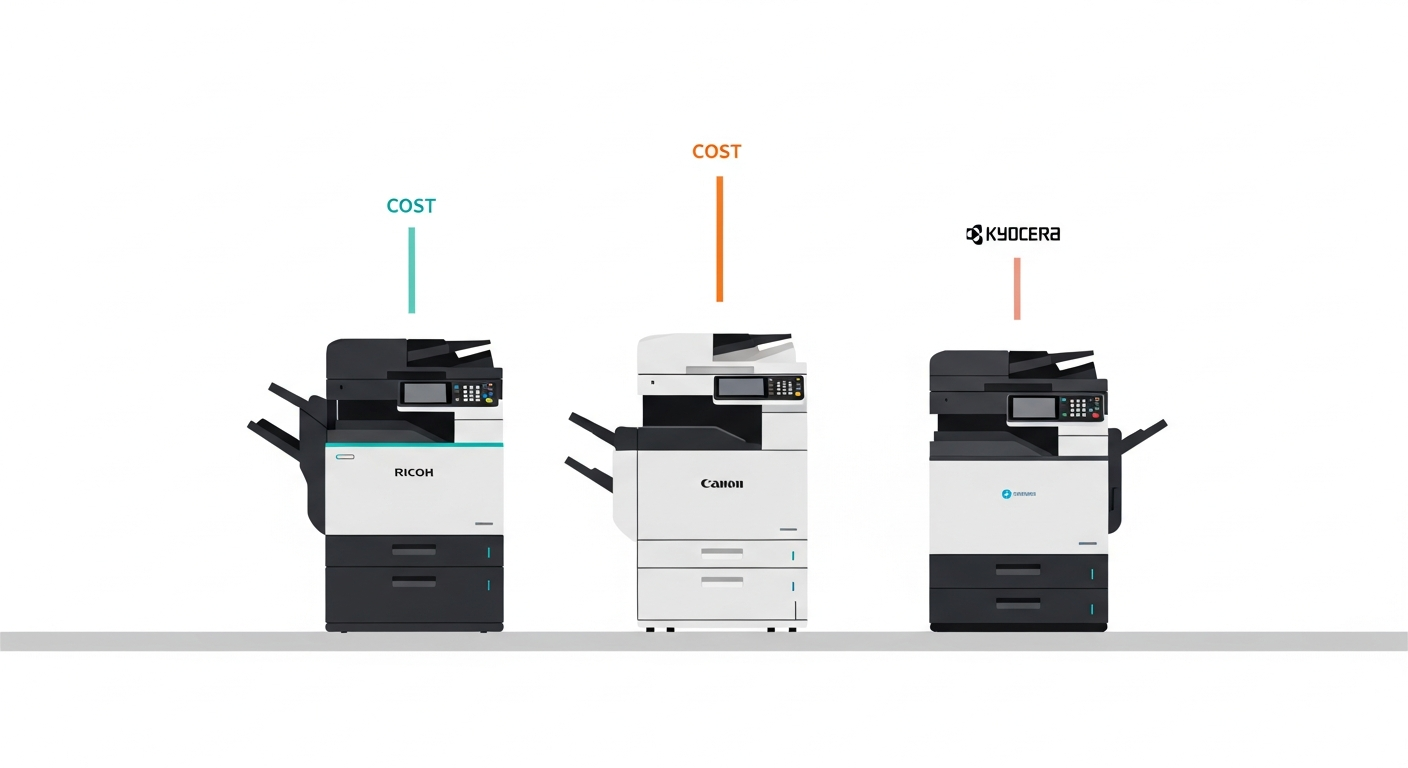
That said, print shop owners need a starting point for comparison. So let's look at three of the most popular copier brands in the Indian market — Ricoh, Canon, and Kyocera — and compare their real-world costs across toner, spare parts, and service. We'll use popular mid-range B&W models that are common in Indian print shops producing 10,000 to 30,000 pages per month.
The Models We're Comparing
For a fair comparison, we'll look at machines in a similar class:
- Ricoh MP 2014/MP 2014AD — A workhorse in the Indian market, widely available with a strong dealer network
- Canon imageRUNNER 2006N/2206N — Canon's popular A3 copier for small to mid-size shops
- Kyocera ECOSYS M2040dn/TASKalfa 2020 — Known for long-life drums and lower running costs
All three are A3-capable B&W machines commonly found in print shops, government offices, and commercial copy centers across India.
Toner Cost Comparison
Let's start with the most visible cost — toner.
Ricoh MP 2014
The original Ricoh toner cartridge for the MP 2014 costs approximately ₹2,600-3,200 from authorized dealers. The rated yield is 12,000 pages at 5% coverage. In real-world print shop use, expect 8,000-10,000 pages depending on your content. That puts your actual toner cost per page at approximately ₹0.28-0.38.
Compatible (third-party) toners are widely available at ₹1,200-1,800, but yields often drop to 6,000-8,000 pages. Actual cost per page with compatible toner: approximately ₹0.18-0.28.
Canon imageRUNNER 2006N
Canon's original toner (NPG-59) runs about ₹2,400-3,000. Rated yield is 10,000 pages. Real-world yield typically falls between 7,000-9,000 pages. That gives you an actual toner cost per page of approximately ₹0.30-0.40.
Compatible toners cost ₹1,000-1,600 with yields of 5,500-7,500 pages. Actual cost per page with compatible toner: approximately ₹0.16-0.25.
Kyocera TASKalfa 2020
Kyocera's original toner (TK-4109) costs approximately ₹3,000-3,800. The rated yield is 15,000 pages, and Kyocera machines tend to come closer to rated yield than most competitors. Real-world yield is typically 12,000-14,000 pages. Actual toner cost per page: approximately ₹0.24-0.30.
Compatible toners are available at ₹1,400-2,000, with yields around 9,000-11,000 pages. Actual cost per page with compatible toner: approximately ₹0.15-0.20.
Spare Parts: Where the Real Differences Emerge
Toner is just the beginning. Spare parts costs vary dramatically between brands, and this is where Kyocera's design philosophy creates a genuine advantage.
Ricoh MP 2014 — Spare Parts
- Drum unit: ₹3,500-4,500 — typical lifespan 40,000-60,000 prints
- Cleaning blade: ₹400-700 — replace with each drum or every 30,000-40,000 prints
- PCR (Primary Charge Roller): ₹500-800 — every 40,000-60,000 prints
- Fuser roller: ₹2,500-3,500 — every 80,000-1,00,000 prints
- Developer: ₹1,800-2,500 — every 60,000-80,000 prints
Estimated spare parts cost per page: ₹0.12-0.20
Canon imageRUNNER 2006N — Spare Parts
- Drum unit: ₹3,000-4,000 — typical lifespan 35,000-50,000 prints
- Cleaning blade: ₹350-600 — every 25,000-35,000 prints
- PCR: ₹450-700 — every 35,000-50,000 prints
- Fuser film: ₹1,800-2,800 — every 60,000-80,000 prints
- Developer: ₹1,500-2,200 — every 50,000-70,000 prints
Estimated spare parts cost per page: ₹0.14-0.22
Kyocera TASKalfa 2020 — Spare Parts
- Drum unit: ₹5,000-6,500 — but lasts 1,00,000-1,50,000 prints (much longer than competitors)
- Developer unit: ₹3,000-4,000 — every 1,00,000-1,50,000 prints
- Fuser unit: ₹4,000-5,500 — every 1,00,000-1,50,000 prints
- Maintenance kit: ₹6,000-8,000 — every 1,50,000-2,00,000 prints
Kyocera's parts cost more upfront, but the dramatically longer lifespans bring the per-page cost down. Estimated spare parts cost per page: ₹0.06-0.12
Service Costs
Service costs depend heavily on your local market and your relationship with your engineer. However, there are brand-level patterns.
Ricoh has the widest service network in India. Finding a Ricoh-trained engineer is easy in most cities and even smaller towns. Typical service visit: ₹500-1,000. Frequency: 1-2 times per month at moderate volume. Estimated service cost per page: ₹0.05-0.10.
Canon also has strong service availability, though slightly less widespread than Ricoh in smaller towns. Service costs are comparable: ₹500-1,200 per visit, 1-2 times monthly. Estimated service cost per page: ₹0.06-0.12.
Kyocera machines generally need less frequent service due to longer-lasting components. However, when they do need service, finding a Kyocera specialist can be harder outside major cities, and parts can take longer to source. Service visit: ₹600-1,200, but typically only once a month or less. Estimated service cost per page: ₹0.03-0.08.
Total Cost Per Page Summary
Adding all three components together with original toners:
- Ricoh MP 2014: ₹0.45-0.68 per page
- Canon iR 2006N: ₹0.50-0.74 per page
- Kyocera TASKalfa 2020: ₹0.33-0.50 per page
On paper, Kyocera wins. But these are estimates based on typical scenarios. Your actual numbers could be very different.
Why These Numbers Don't Tell the Full Story
Here's what these estimates can't account for:
- Your specific print content. A shop printing mostly text documents will get very different yields than one printing images or maps.
- Your toner supplier. Compatible toner quality varies enormously. A cheap compatible toner might save money on toner cost but destroy your drum in half its expected lifespan.
- Your machine's age and condition. A 5-year-old machine of any brand will cost more per page than a new one.
- Your local service market. In Mumbai, you have 20 Ricoh engineers competing for your business. In a smaller town, you might have one who charges a premium.
- A3 vs A4 mix. If 30% of your output is A3, your effective cost per page is significantly higher than these estimates.
The Only Comparison That Matters
Brand comparisons give you a starting point, but they can't replace actual data from your own machines. The print shop owner who tracks meter readings on every toner change, logs every spare part replacement, and records every service visit has something far more valuable than any comparison article: the truth about what their machines actually cost to operate.
The best copier brand is the one that costs you the least per page in your specific shop, with your specific print volume, and your specific content. The only way to know that is to measure it.
Two shops with identical machines can have wildly different cost per page numbers based on usage patterns, maintenance practices, and supply chain choices. That's why meter-reading-based tracking matters more than brand loyalty.
PrintCostCalculator lets you track all three cost components — toner, spare parts, and service — for every machine in your shop, using actual meter readings. After 2-3 months of data, you'll have your own cost per page numbers that are far more accurate than any comparison chart. Start your free trial and find out what your machines really cost.