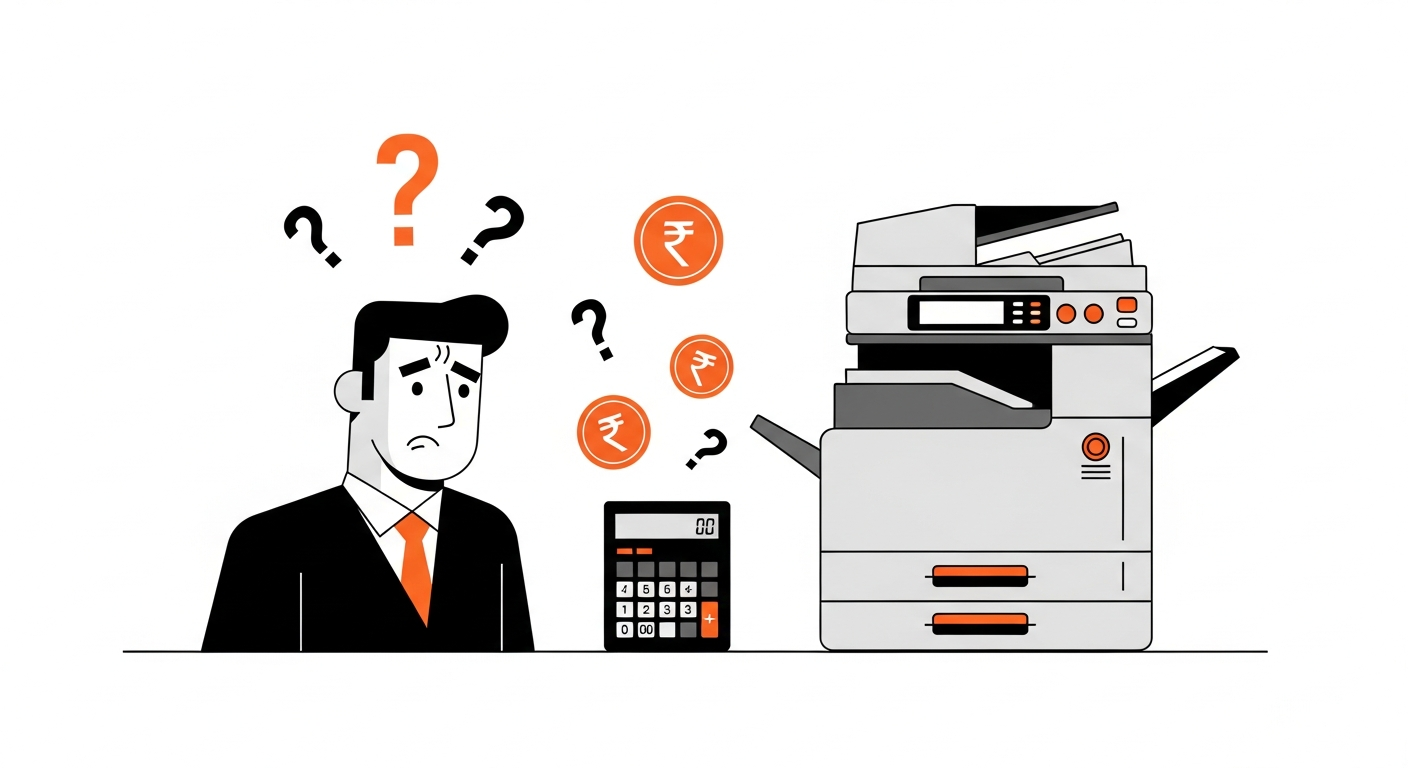
Ask any print shop owner what their cost per page is, and you'll get one of two answers: a rough number based on what their toner dealer told them, or a shrug. Both are costing them money every single day.
The Toner-Only Trap
The most common mistake is calculating cost per page using only toner cost. The formula seems simple: divide the toner price by its rated yield, and you have your cost per page. But this number is dangerously incomplete.
A toner cartridge for a typical B&W copier might cost ₹3,500 and yield 10,000 pages. That gives you ₹0.35 per page. Simple, right? But that's not your real cost. Not even close.
The Three Components of Real Cost
Your true cost per print is the sum of three things:
- Toner cost per print — what you're already tracking
- Spare parts cost per print — drums, blades, PCR rollers, fusers, developers
- Service charge cost per print — what you pay the engineer every visit
Most shop owners ignore the second and third components entirely. But spare parts on a mid-range copier can add ₹0.10-0.25 per page. Service charges can add another ₹0.05-0.15. On a machine printing 10,000 pages a month, that's ₹1,500-4,000 in costs you're not accounting for.
Why Dealer Estimates Don't Work
Toner dealers quote yield based on ISO/IEC 19752 standards — which assume 5% page coverage. But your actual coverage depends entirely on what you print. A text-heavy legal document might be 4%. A marketing flyer could be 25%. A photo print could exceed 60%.
The only way to know your real yield is to track it yourself, using meter readings. When you install a new toner at meter reading 50,000 and it runs out at 58,000 — you got 8,000 pages, regardless of what the box claims.
The A3 Factor
If your shop prints both A4 and A3, there's another layer of complexity. A3 paper is double the size of A4, which means it uses approximately twice the toner per page. If you're charging the same rate for A3 and A4, or not tracking them separately, you're losing money on every A3 job.
The correct approach: track A4 and A3 meter readings separately, and calculate A3 cost as 2x the A4 equivalent.
The Color Machine Problem
Color machines multiply the complexity by four. Each CMYK toner — Cyan, Magenta, Yellow, Black — has its own lifecycle. Black might last 12,000 pages while Yellow runs out at 6,000. If you're averaging all four colors into one "color toner cost", your number is wrong.
Each color needs independent tracking with its own meter readings, its own opening and closing readings, and its own cost-per-page calculation.
What Proper Tracking Looks Like
Here's the process that gives you real numbers:
- When you install a new toner, record the machine's A4 and A3 meter readings (opening reading)
- When the toner runs out, record the readings again (closing reading)
- Cost per print = Toner cost ÷ (A4 prints + A3 prints × 2)
- Do the same for every spare part and service visit
- Total cost per print = Toner/print + Parts/print + Service/print
The Impact on Your Business
Once you have accurate cost-per-page data, everything changes:
- You can price jobs correctly instead of guessing
- You can compare toner brands based on real yield, not manufacturer claims
- You can identify expensive machines in your fleet
- You can negotiate with vendors using actual cost data
- You can predict when supplies will run out and avoid emergency orders
The difference between knowing your cost and guessing your cost can be ₹50,000-2,00,000 per year for a typical print shop. That's not a rounding error — that's your profit margin.
The shops that track their costs precisely are the shops that stay profitable. Everyone else is hoping for the best.
PrintCostCalculator automates this entire process. Enter meter readings when you change toner, replace parts, or get a service visit. The system calculates everything automatically — including auto-closing previous entries, CMYK breakdown, and A3/A4 separation. Try it free for 30 days.